The "Overview" tab is the start page in the "Regulatory Pricing" module. If you are on another tab, you can simply return to the "Overview" tab with a mouse click.
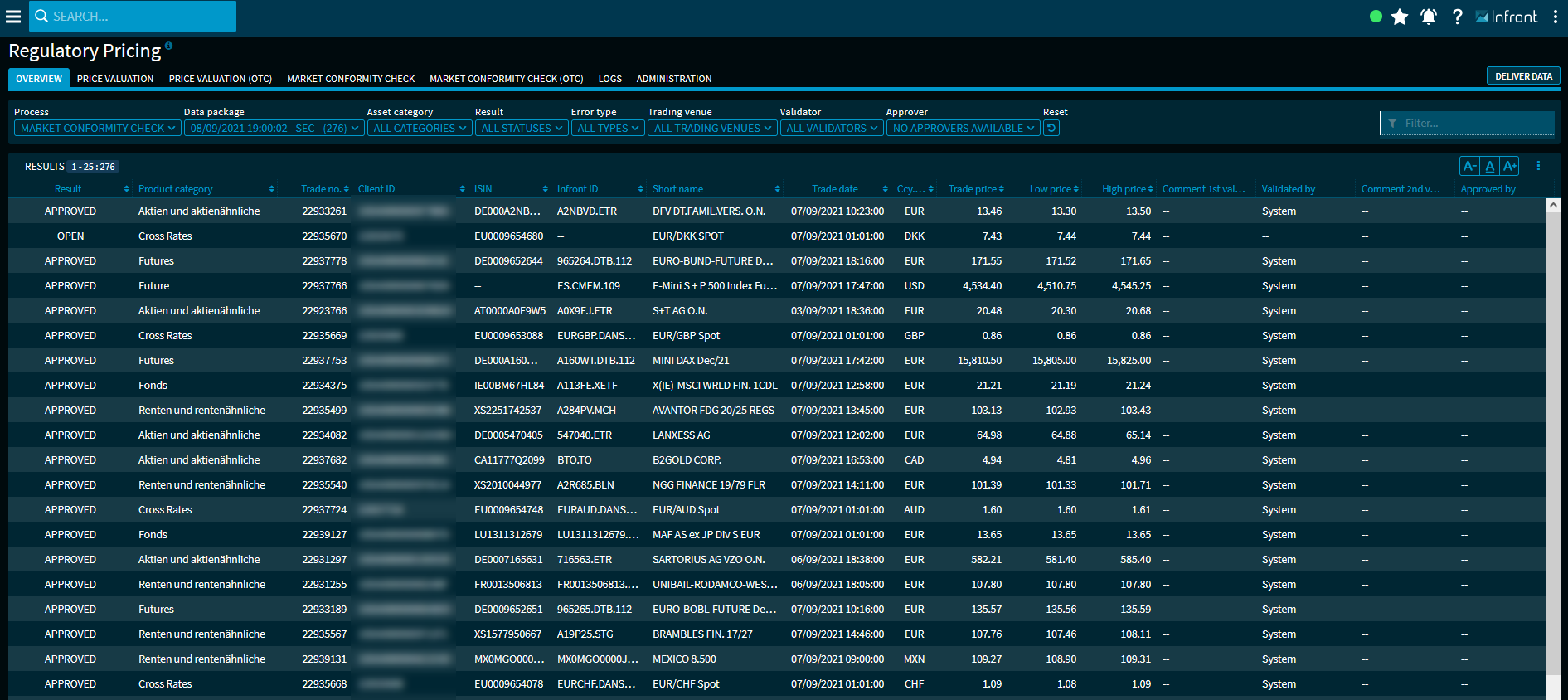
Here you will find an overview of all securities in the results list - always for the process currently selected via the first filter element.
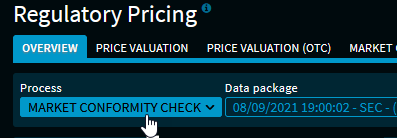
The following processes are available for selection here - depending on the respective activation:
You can filter the list individually using the other filter elements above the list of results.
You select an outlier by clicking the corresponding table row. This is then displayed in the area selected in the area drop-down list for editing.
Use the menu icon on the right above the result list to open the menu with the commands for the different export formats and the settings dialogue for showing and hiding the columns.
The result list itself contains a large number of columns that you can show and hide individually via the table settings. The available columns in the result list depend on the area selected in the first "Area" drop-down list.
The individual columns of the results list of the overview page correspond as far as possible to the columns of the list of trading venues in the individual process areas and are described there in detail:
By default, the results list shows the following columns, for example, for the "Market conformity check" process:
|
Column |
Description |
|---|---|
|
Result |
The result of the check. Possible values in the column:
|
|
Product category |
The product or asset category of the instrument. |
|
Trade ID |
The individual trade ID of the instrument. [Client data] |
|
Client ID |
The individual client IDs of the instrument. [Client data] |
|
ISIN |
The ISIN of the instrument. |
|
Infront ID |
The unique Infront ID of the instrument. |
|
Short name |
The security name (short name) of the instrument. |
|
Trade date |
Date and time at the instrument's trading price. [Client data] |
|
Ccy. Trade price |
The currency at the instrument's trading price. [Client data] |
|
Trading price |
The trading price of the instrument. [Client data] |
|
Daily low |
The daily price low of the instrument on that trading venue. |
|
Daily high |
The daily price high of the instrument on that trading venue. |
|
Comment 1st validation |
The specified comment on the initial validation of this instrument. |
|
Validated by |
The name of the initial validator or "system". |
|
Comment 2nd validation |
The specified comment on the second validation (approval) of this instrument. |
|
Released by |
The name of the releasing instance. |
|
Trade time interval |
The time interval of the price valuation of this entry - for example, "5 minutes", "1 hour" or "end of day". |
Via the settings dialogue, you can also show the following columns:
|
Column |
Description |
|---|---|
|
Date |
Processing date and time of the instrument. |
|
High price date |
Date and time at daily price high of the instrument on that trading venue. |
|
Low price date |
Date and time at daily price low of the instrument on that trading venue. |
|
Error |
The error type of the entry. |
|
Trading venue |
The trading venue of the instrument. |
|
Comment feed |
The specified comment on the feed (delivery) of this instrument. [Client data] |
|
Price type |
The quote type of this instrument, for example:
[Client data] |
|
Price type high |
The quote type of the daily high, for example:
[Client data] |
|
Price type daily low |
The quote type of the daily low, for example:
[Client data] |
|
Price date validated |
The time of recording this price. |
|
Nominal |
The nominal value of the entry. [Client data] |
|
Product category ID |
The unique ID of the asset category of the instrument, for example "1000" for the category "Equities and equity-like" or "4000" for the category "Certificates". |
|
Strategy |
The test strategy used that is used for this entry, for example:
|
|
Daily high price validated |
The validated price high for the day. |
|
Daily low price validated |
The validated price low for the day. |
|
Ccy. Trading venue |
The currency at the instrument's trading venue. |
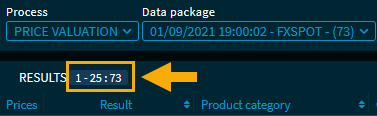
Above the list of results you can see the number of current filter results. In the example, the first page with 25 of a total of 180 hits: