
The rules and parameters in the “Price valuation intraday (Tick by Tick)” area correspond to those in the “Price valuation” area, with the default settings adjusted accordingly for intraday prices.
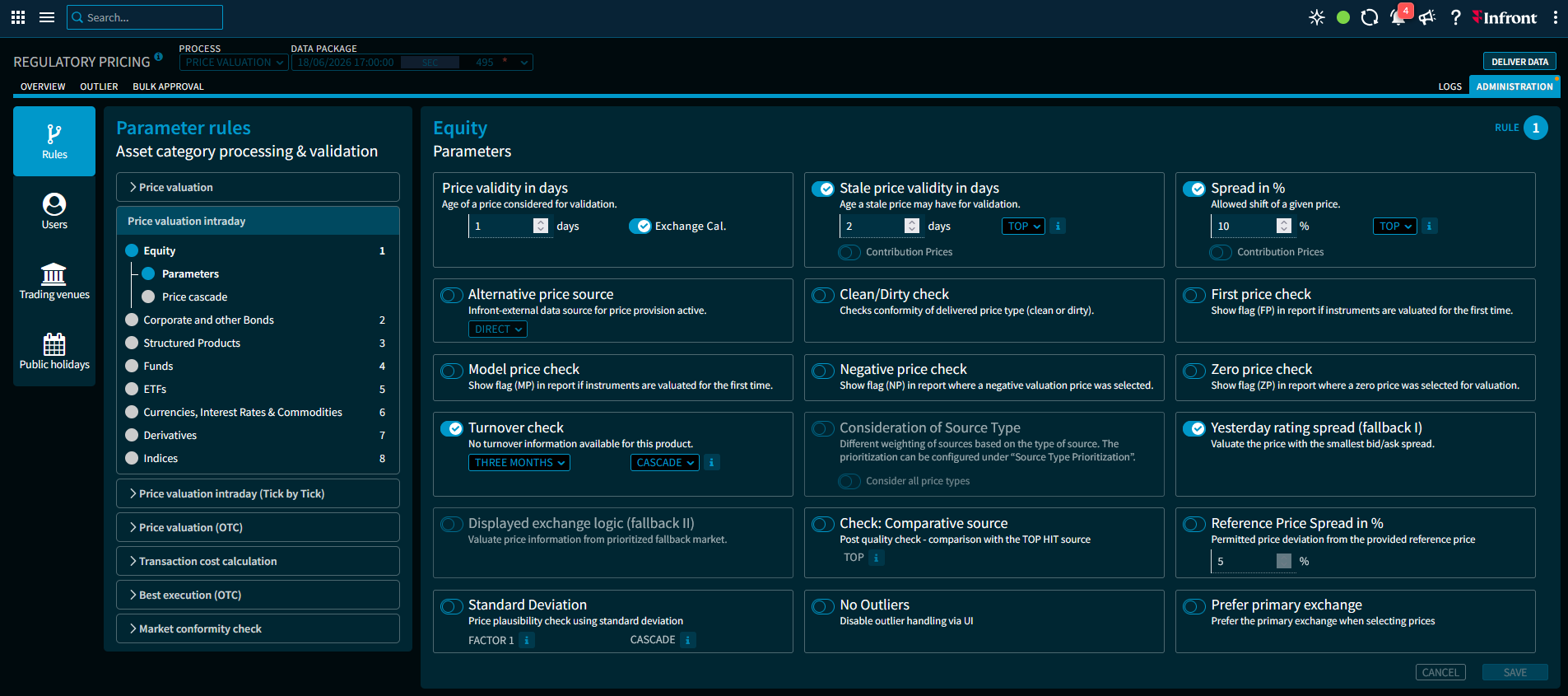
List of parameters:
|
Parameter |
Description |
|---|---|
|
MCC interval |
Select the desired time intervals from the drop-down list for this parameter (multiple selections are possible). The following options are available:
|
|
Test period |
Select the desired test direction from the drop-down list for this parameter. The following options are available:
|
|
No outliers |
[Parameter editable] Enable this setting, if you want to disable the outlier handling via UI. If the customer only requires price determination via the Infront Data Manager Regulatory with basic parameterisation via the GUI - without outlier processing in the GUI - this is possible for each asset class via this parameter. In this case, the customer's instrument requests run through the standard set of rules for price determination according to the parameterisation specifications via the GUI, but no outlier is generated for validation in the event of a rule violation; instead, the price with the highest quality (Rank1) is delivered to the customer with a corresponding message (error code). The GUI is therefore used exclusively for parameterisation and as a control display terminal for the processed data and therefore does not need to be used in the daily process flow (outlier processing), as all assets have the status "Approved/Processing OK". |